By Hour
The By Hour report (labeled By Time in the report sidebar; the page itself is titled Sales By 1/2 Hour) breaks the selected date range's sales into half-hour slots across the day, so you can see when your store is busiest. Use it for staffing decisions and for choosing store hours. Find it under Reports → Sales → By Time.
What's on the By Hour report
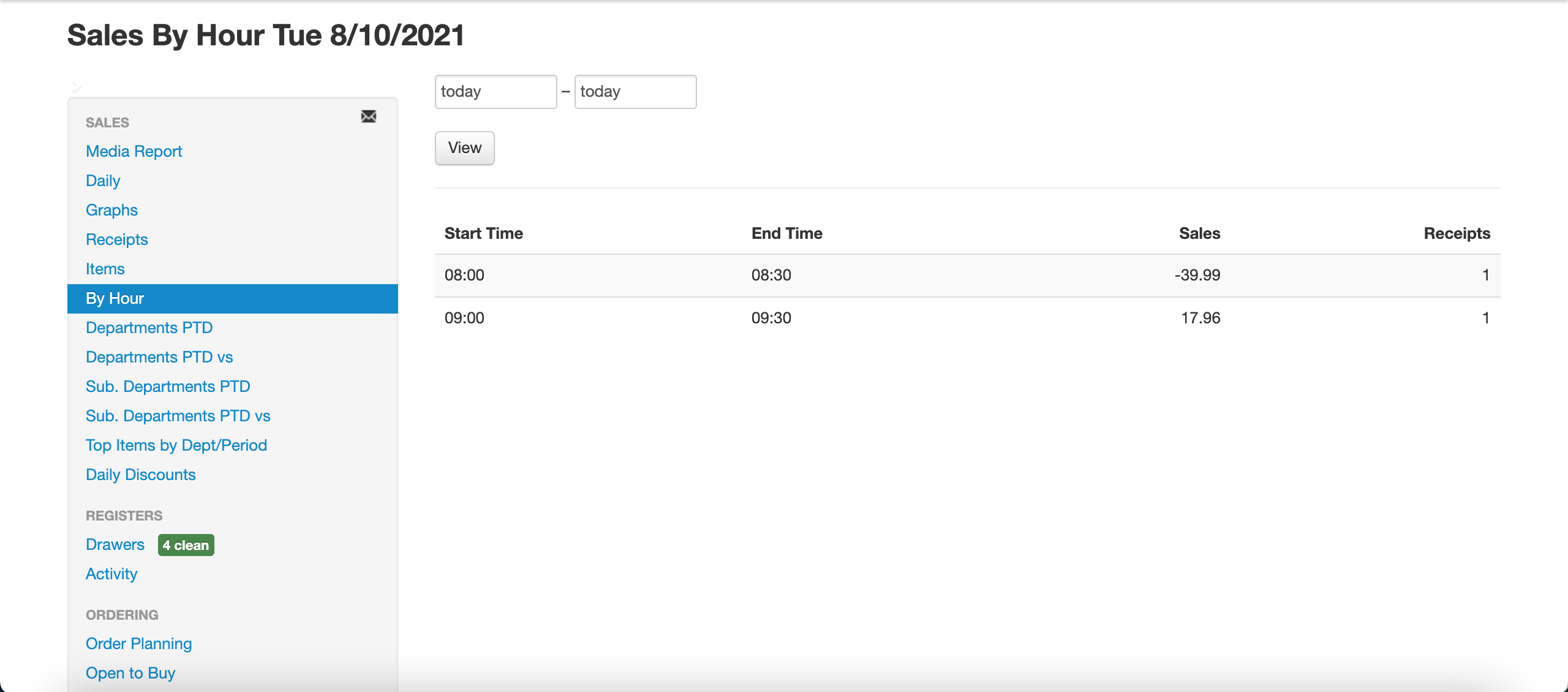
A bar chart at the top plots Sales (dollars, left axis) and Receipts (count, right axis) for each half-hour slot, followed by a table with one row per slot:
- Start Time — start of the half-hour slot
- End Time — end of the slot, 30 minutes later
- Sales — dollar sales rung up during that slot
- Receipts — number of receipts posted during that slot
The report covers the store you are currently working in.
Filters on the By Hour report
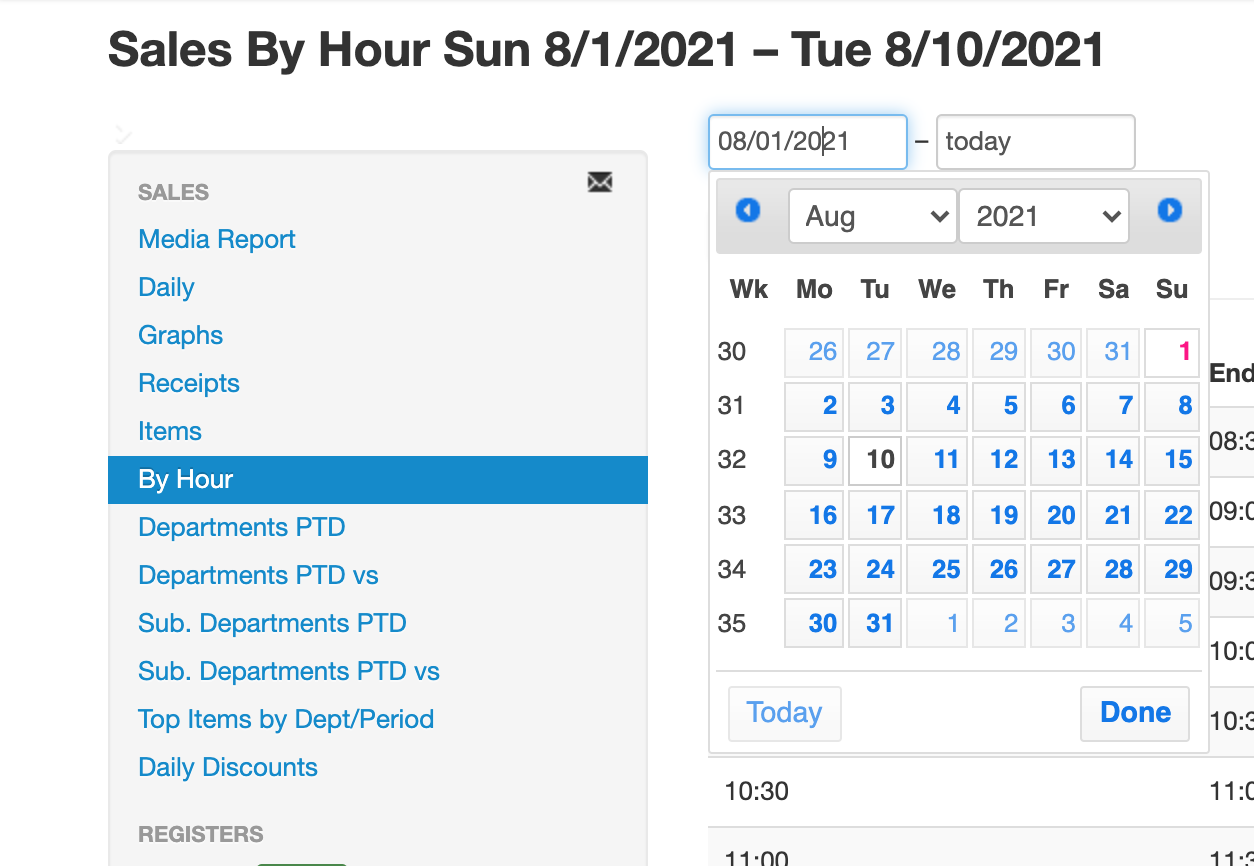
Set the filters at the top of the page and click View:
- From / To — the date range to analyze. A longer range (for example, a full month) gives a more reliable picture of your typical day than a single date.
- Choose division... — limit to one or more divisions (only shown if your account has more than one sales division).
- Choose department... — limit to one or more departments.
- Choose days... — limit to specific days of the week. For example, select only Saturday and Sunday to see your weekend traffic pattern by time of day.