Website
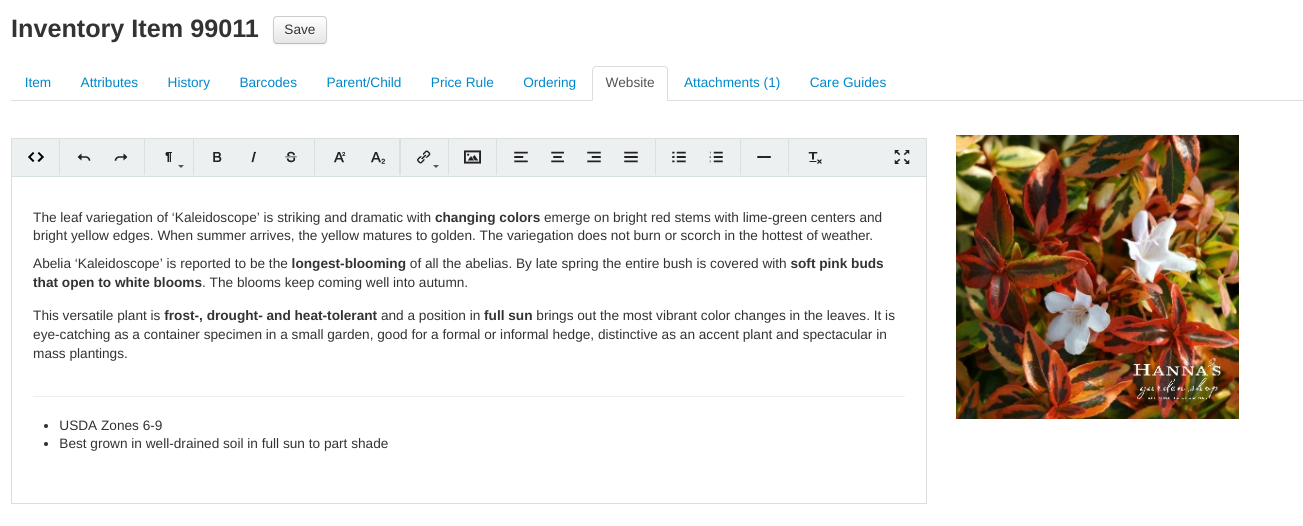
Use the text editor to add paragraph style information to item website pages. Add interest and emphasis with the formatting tools in the editor like bolding, italicizing and adding links.
The item image that is displayed on the item’s web page is also displayed here.
How item web content reaches your online store
Content on the item's Website tab does not need to be published manually — if VMX built and hosts your online store, the POS syncs item changes (details, images, quantities, visibility) to the website automatically, usually within moments. For what syncs, how the Show item on web? checkbox controls visibility, and troubleshooting a website that looks out of date, see Website Sync.
Ask VMXpert to write the descriptions
If most of your items have no web description, your online store — and your Google Shopping listings, which use the same text — fall back to showing just the item name. VMXpert can fill them in: "Write website descriptions for the houseplants that don't have one — show me a few first and tell me the cost."
It writes from each item's own name, size, and attributes, shows you a sample to approve the wording, projects the cost in AI credits, and then applies the change in small batches you confirm. Remember that saving a web description publishes it — the item syncs to your online store and feeds your Google Shopping listings as soon as the batch is applied. See Making Changes with VMXpert.